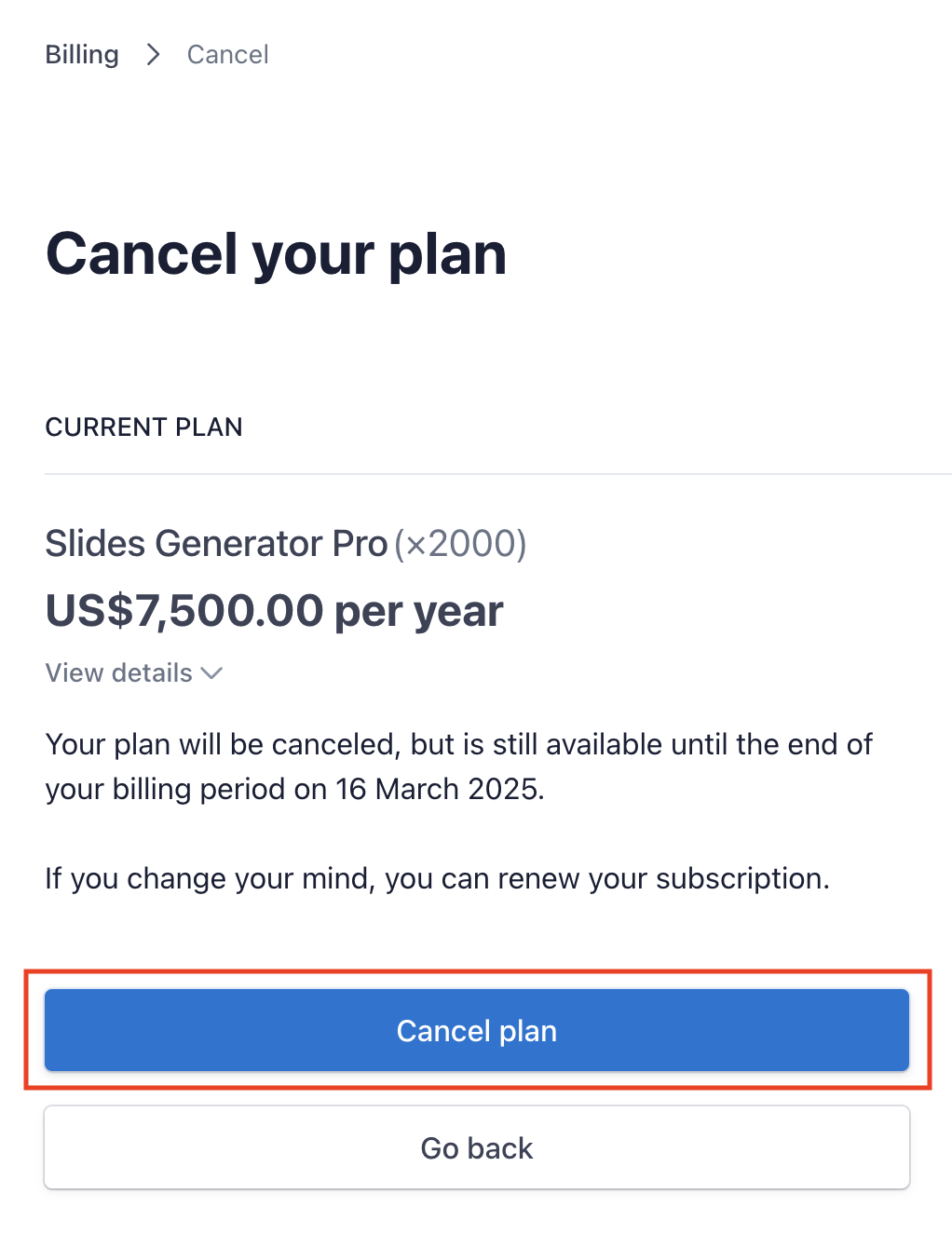

Cancelling your subscription is easy. Just follow the steps below.
Access the Stripe Customer Portal
Access the Stripe Customer Portal to get a login link.
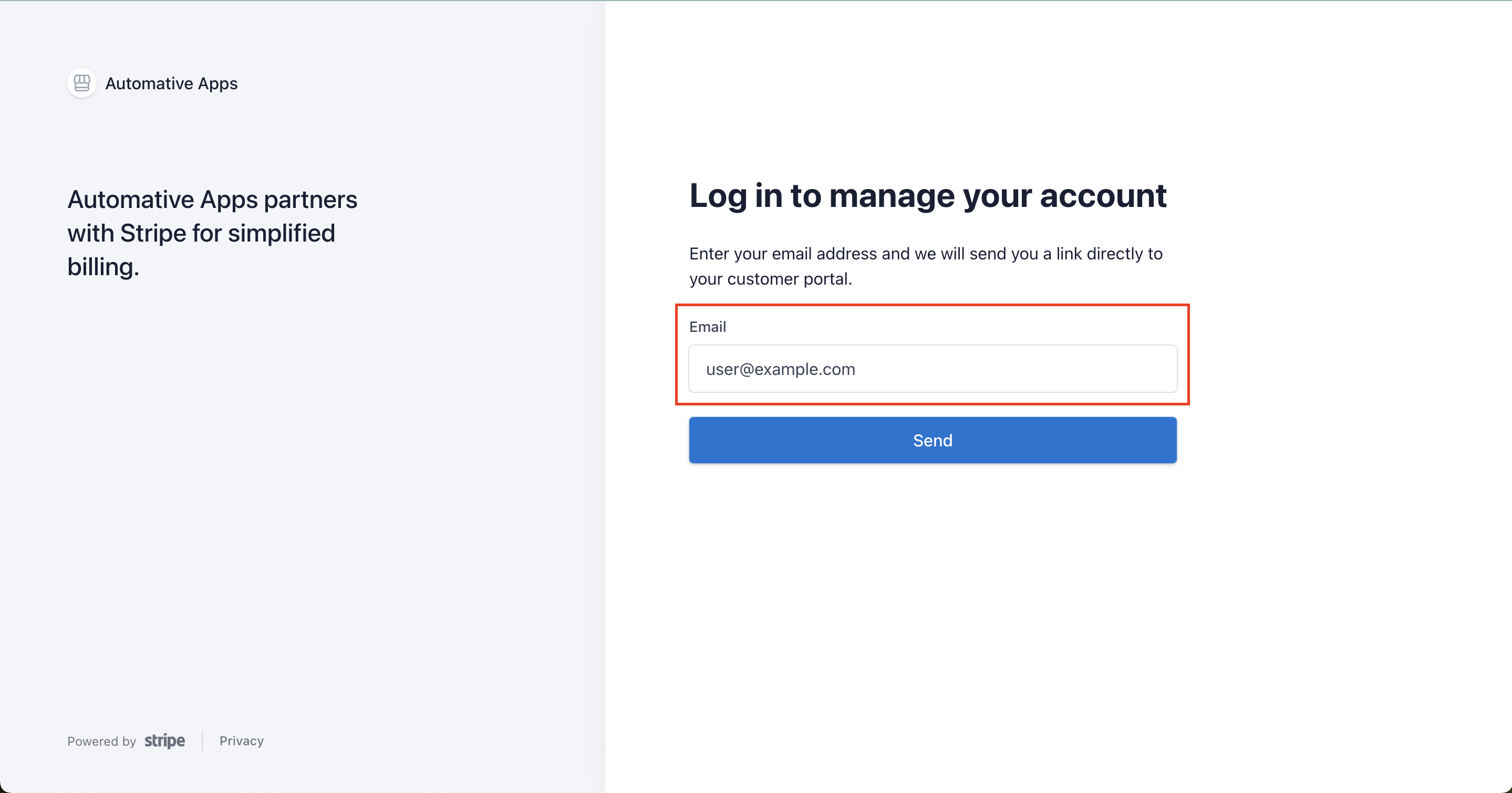
Enter your email
Enter your email in the form field provided.
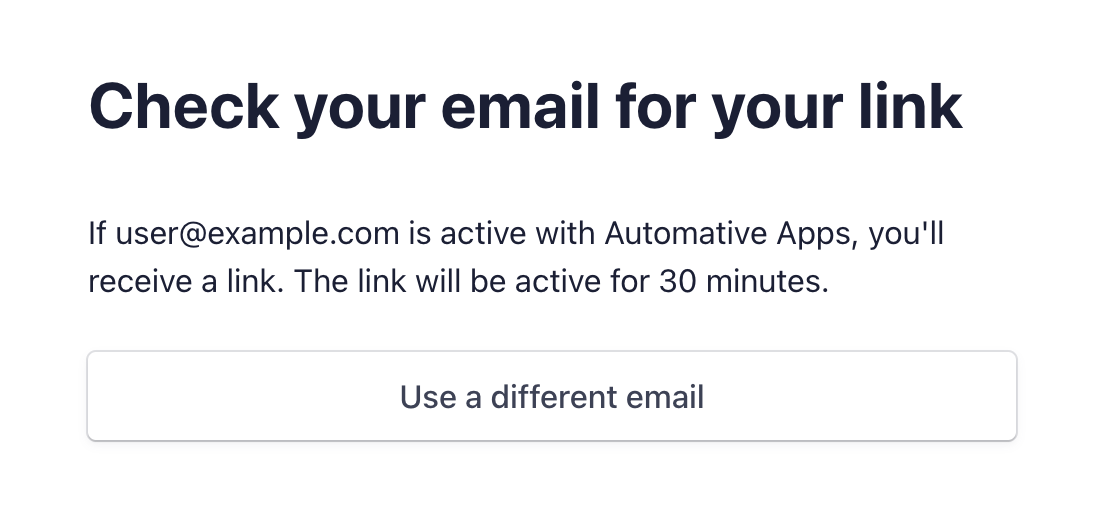
You should see the screen below saying to check your email.
Check your email and log in to the Stripe Customer Portal
Check your email for an email sent by Stripe. You should see an email that looks similar to the following.
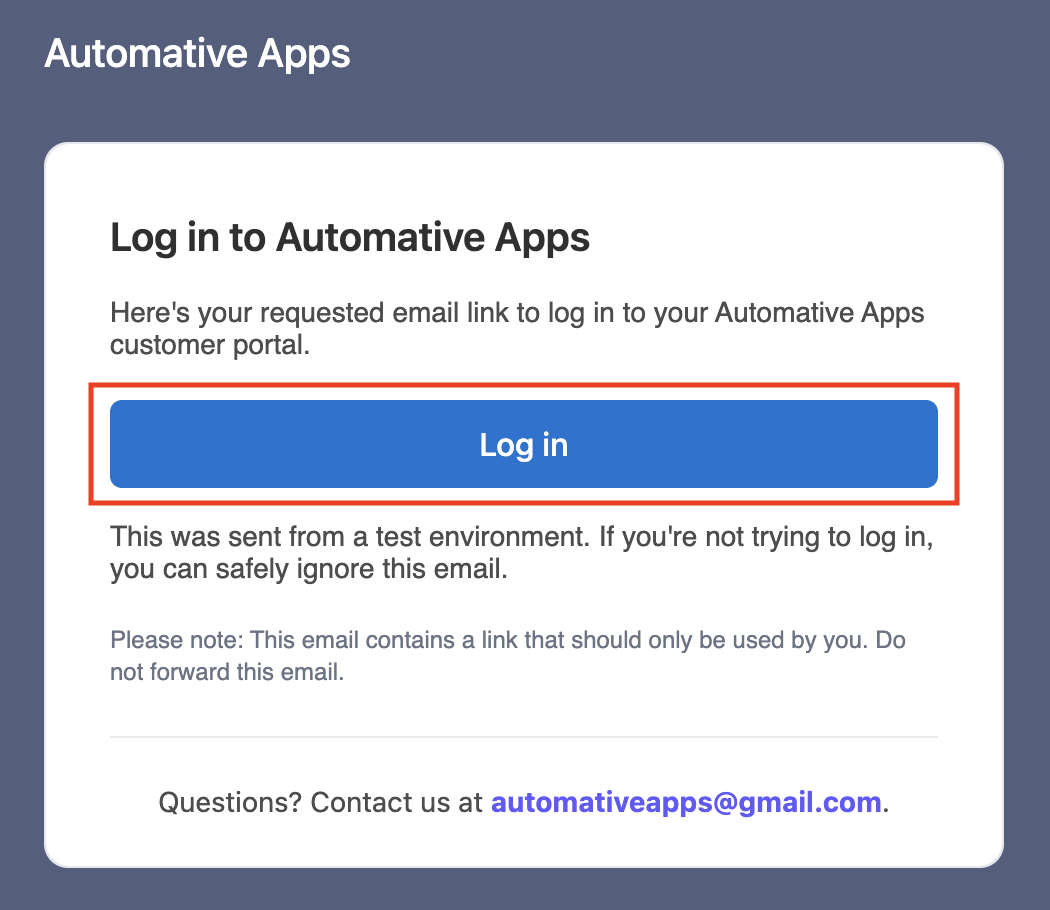
Click Log in.
Cancel your subscription
In the following screen, click Cancel Plan
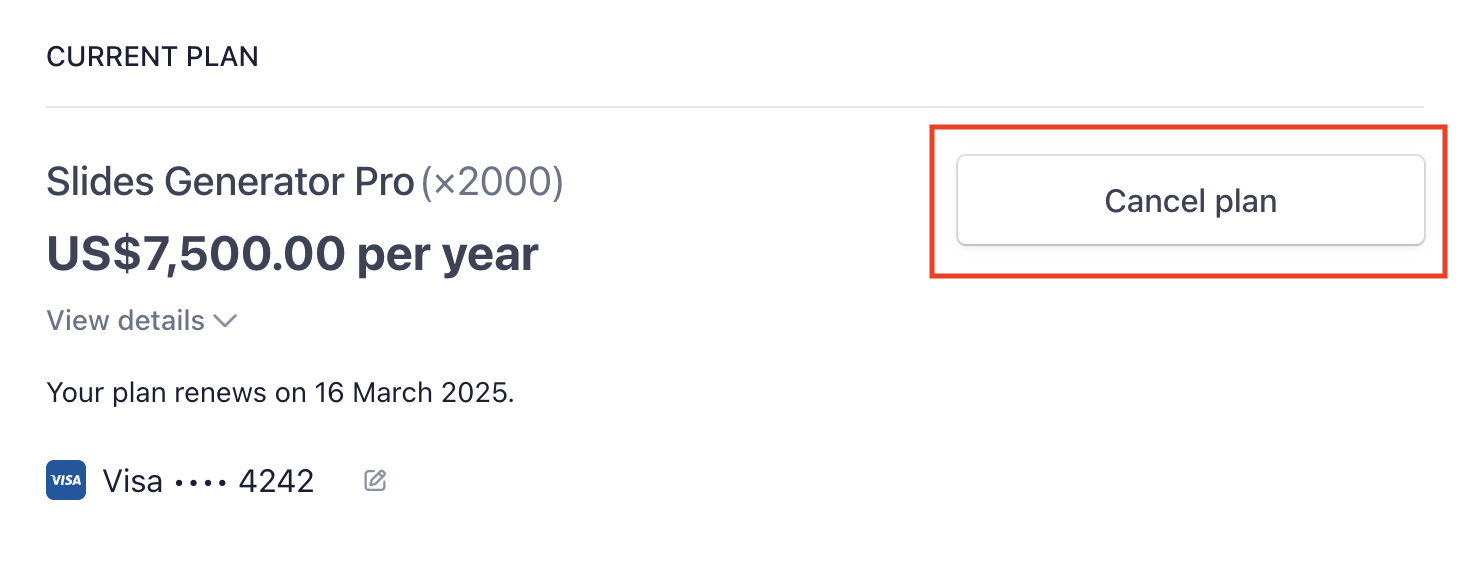
Confirm cancellation in the following screen.