
Manage your presentations at scale from Google Docs™
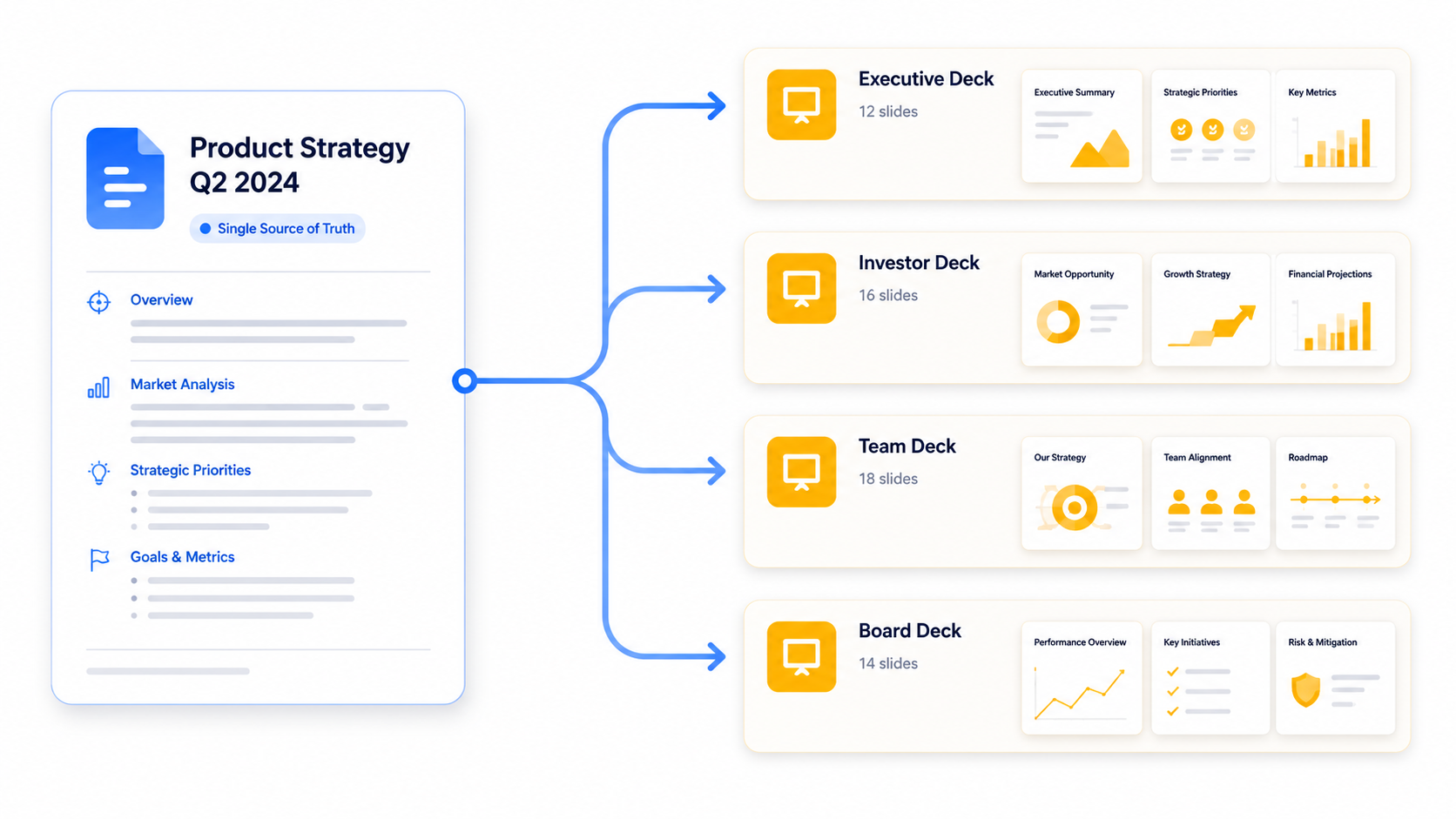
Turn Google Docs™ into a content management system—a single source of truth for your evergreen and recurring presentations. Instead of maintaining dozens of Google Slides™ files, consolidate your content into a single Google Doc™ and publish updates across presentations in one click.
Turn Google Docs™ into a presentation content hub
Creating a single presentation is easy. Maintaining dozens of presentations over time is a whole different beast.
A source of truth for all your presentations
Manage multiple presentations from a single Google Doc™. Not across dozens of individual Google Slides™ files. Sync content updates across presentations with a single click.
A clear content structure
Use Google Docs™ headings and content blocks to keep presentation content readable and easy to maintain before generating your slides.
Consistent styling across decks
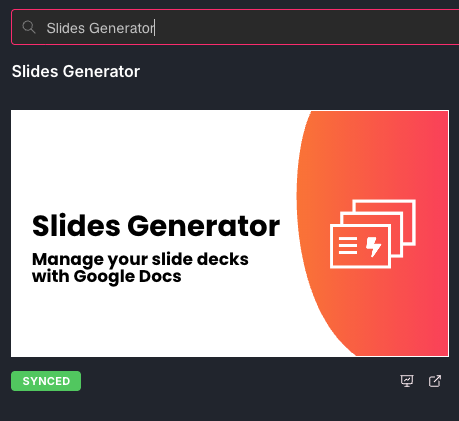
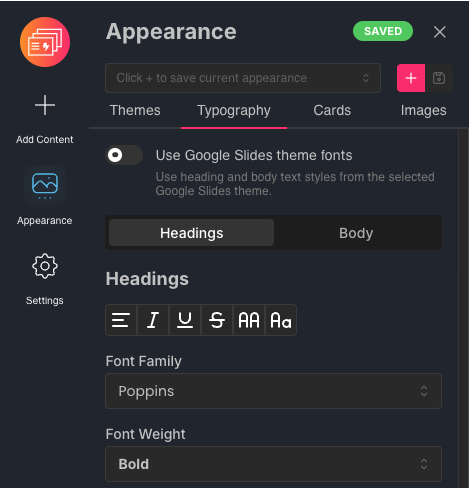
Apply the same theme, typography, and layout choices as you create and update presentations from your source document.
Simplify your workflow for data-driven presentations
Build recurring reports faster with visualizations synced to data in Google Docs™
Create recurring reports with charts and data visualization
Turn raw data tables in Google Docs™ into beautiful charts without the help of Google Sheets™. Sync data changes across your presentations in a single click.
Choose the right visualization for your data
Transform your data into bar, line, pie, donut, and other chart types to communicate data insights in a way that is easy to understand.
Achieve visual consistency across slides without the pain
Keeping dozens of presentations looking consistent and on-brand is now possible without hours spent formatting in Google Slides™.
Styling and formatting centralized
Apply consistent brand colors and formatting across all your presentations. Choose from built-in themes or bring your own.
High fidelity slide previews
See your changes reflected in high fidelity previews of all your slides. These update in real time as you change styles, layouts, and content.
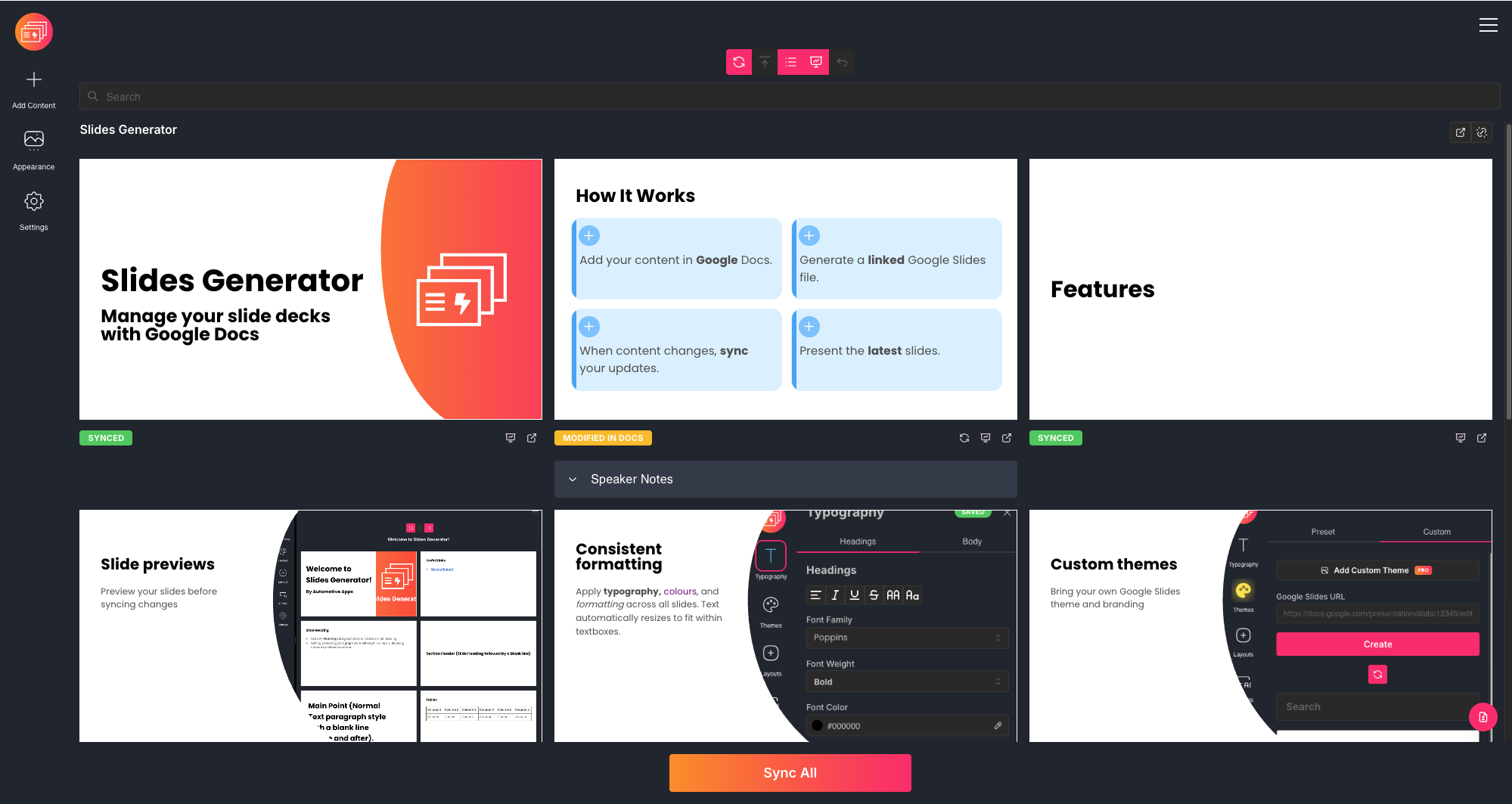
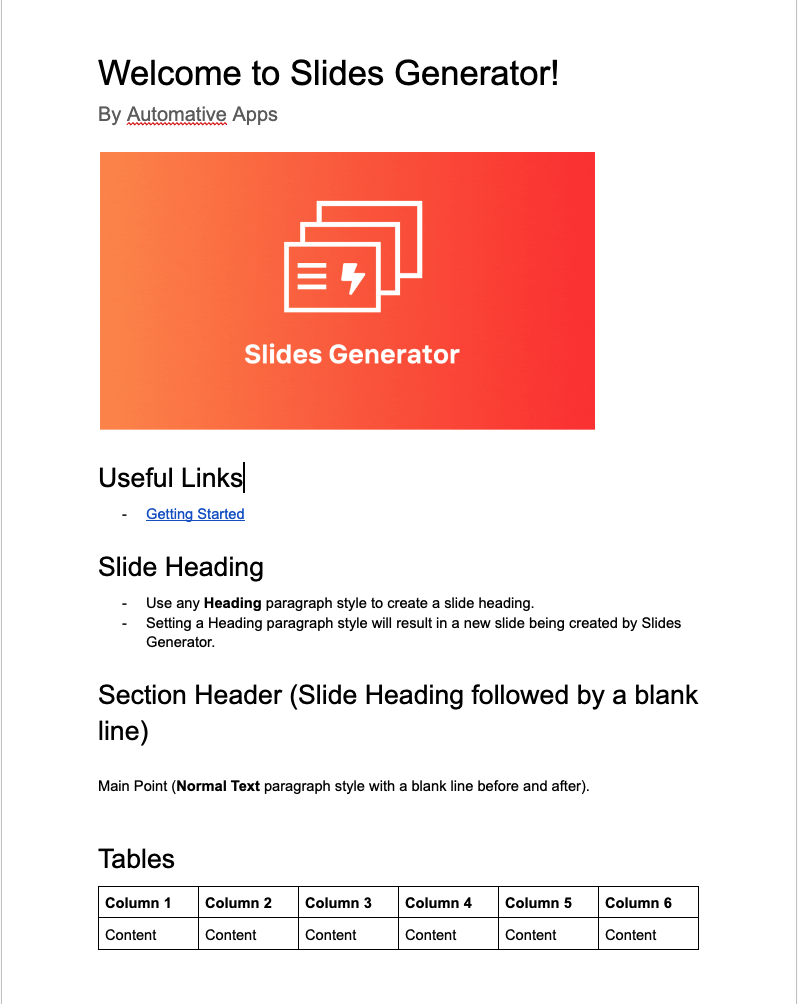
Raw content is automatically enhanced.
Text, tables and charts are auto-resized. Images are automatically cropped or fit into textboxes. Masks can be applied to images. Bullet points are automatically turn into cards.
Privacy-first permissions
We only request what is needed to get the job done.
No storage of document content
We read Google Docs™ content that you've granted us access to create and update slides. No storage of document or presentation content in our database.
Least-privilege access
We only request permissions to access files that you choose. No unnecessary requests to access every document or presentation in your Google Drive™.
How it works
Write in Google Docs™
If your content already lives in Google Docs™, you're most of the way there. Follow a simple structure and everything maps across automatically — headings, body text, bullets, and images.
Set how every deck looks from one place
Choose your theme, typography, and layout rules from one place. These are automatically applied to every linked deck.
Create once, then sync updates.
Create your slides and sync updates when your Google Docs™ content changes. The same Google Slides™ files update in place.
Pricing
Pro
$49
/ month
What's included
Shared team workspace with up to 5 seats
Unlimited presentations
Sync Google Docs™ to Google Slides™
Present Google Docs™ with Web Slides
Custom branding
Admin controls and user management
Standard support
Enterprise
Let's chat
What's included
Unlimited users
Custom integrations
SLA & onboarding support
Priority support
Frequently Asked Questions
Everything you need to know about SlideAdmin.
Still have questions?
We’re here to help.