

This guide shows how to quickly find linked presentations, search for specific slides, and open the correct Google Slides™ file.
Open a linked Google Slides™ presentation
Next to the presentation title, click Open presentation to open the linked Google Slides™ deck in a new tab.
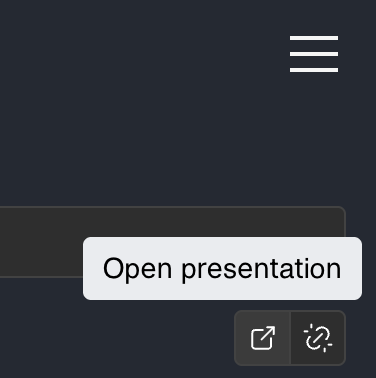
If the button is disabled, generate or sync first so a linked destination exists.
Open a linked Google Slides™ individual slide
Under any slide preview, click Open slide to open a linked slide in a new tab.
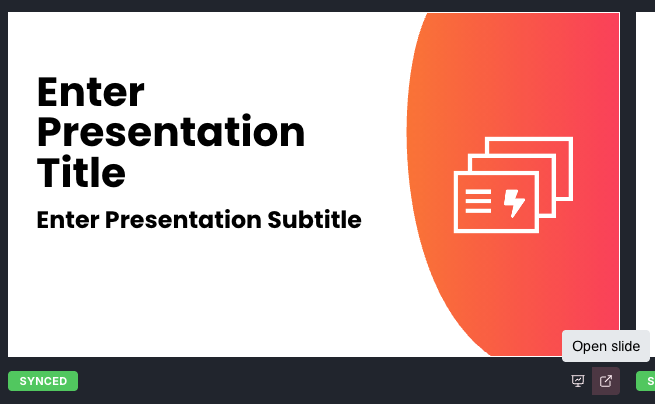
If the button is disabled, generate or sync first so a linked destination exists.
Use search to find a slide
Use the search box above slide previews to filter by slide content and presentation content.
Type keywords from your heading, body text, or slide title to narrow results.