
With a Team subscription, the team administrator can manually add users to a workspace so that a single subscription can be shared by multiple users. Accounts gmail.com domain and non-gmail.com domains can be added to a team.
The team administrator is the person who paid for the subscription.
Adding Team Members
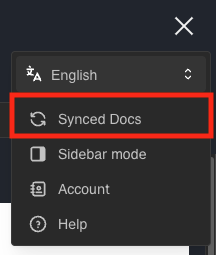
To add a team member, click the hamburger button in the top right and click Account.
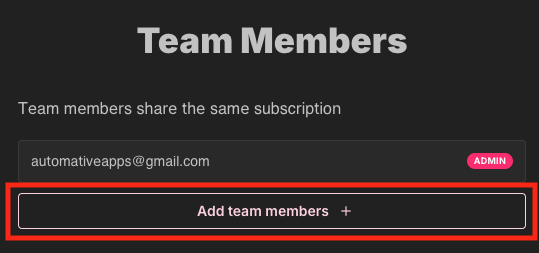
In the screen that comes up, click Add Team Members +.
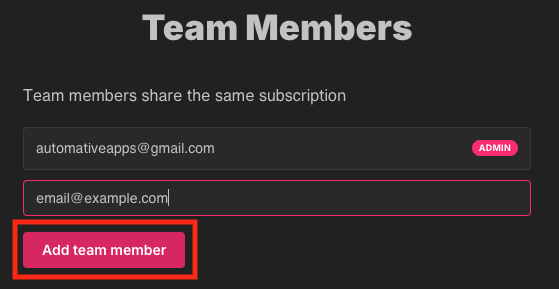
Enter an email in the text field that appears. Then click Add team member.
Any users that were added should now be able to access SlideAdmin via the Team subscription.
Removing Team Members
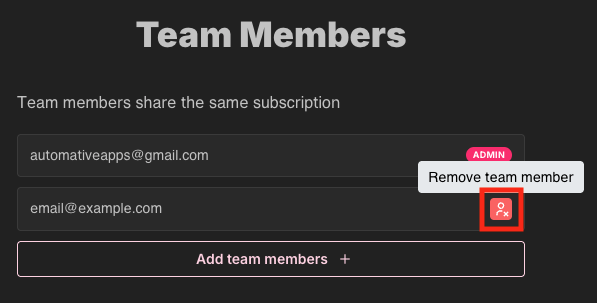
To remove a team member, click Remove team member next to the email of the team member you want to remove.