

With SlideAdmin, you can quickly create slide content using AI-powered functionality by
- Providing a prompt
- Summarizing text to slides
- Formatting text
This will generate content in Google Docs™ that's ready to convert to Google Slides™.
Using AI Tools to generate content
Open an existing document or create a new one.
Go to Add Content → AI Tools. Select a mode, either Create, Summarize or Format.
Paste your content into the text field. Then click Create, Summarize or Format, depending on the mode selected.
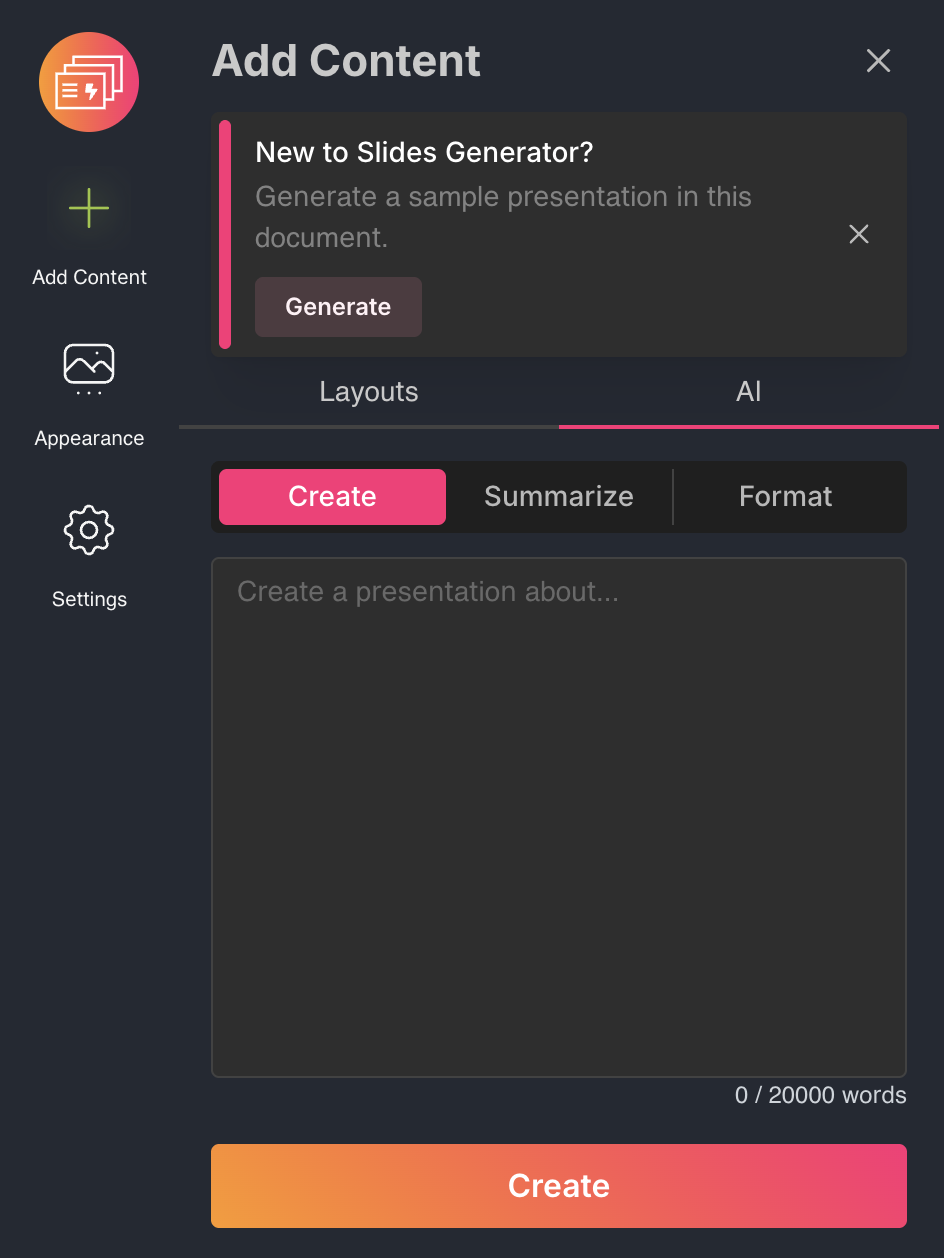
This will generate content into the current Google Docs™ file.
Click Generate or Sync All to generate or update your Google Slides™.